Loomux documentation
A dead-simple terminal multiplexer for AI agent management — without the bloat.
Get started Download the latest release
Loom + mux: a loom is the frame that holds every thread in place while the fabric is woven — here, the frame holding a matrix of terminal panes, each one carrying an agent (or just a shell).
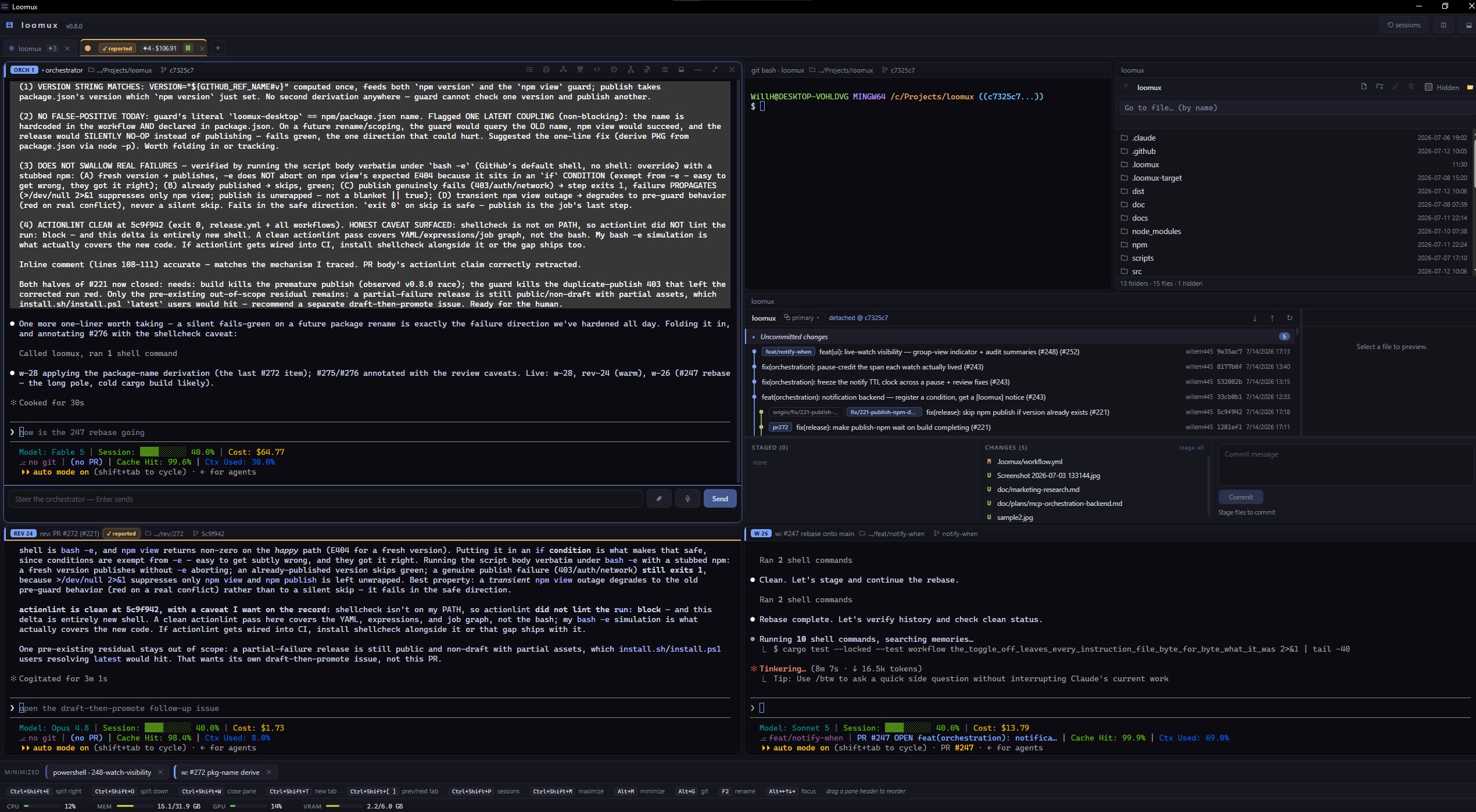
Loomux gives you Windows Terminal–class smoothness with the multiplexing features it lacks: instant matrix splits, nameable panes, a native session browser that restores Claude Code and GitHub Copilot CLI sessions straight into a pane, and — the headline feature — a built-in orchestrator/worker workflow for running a small fleet of AI agents, each in its own visible pane, that you gatekeep only at review and merge.
What’s here
- Getting started — install, first launch, first agent pane.
- Core concepts — panes, the split grid, and the full keyboard-shortcut table.
- Orchestration guide — agent groups, the task board, and the
agent-ready/agent-investigationlabel handshake. - Autonomous & supervised modes — the idle-tick autonomous mode, the token budget, auto-merge / auto-release, and supervised dangerous mode.
- Feature pages — git view, GitHub issues view, voice prompts, steering & attachments, and the session browser & editor launch.
- Troubleshooting — the classics: whisper DLLs,
ghauth, mic permission, disk.
For contributors
This site is the user guide. If you want to build on loomux, the developer docs stay in the repository:
README.md— the stack, the build/run commands, and the architecture map.CLAUDE.md— the hard constraints and code conventions for working in this codebase.doc/design/— per-feature design notes (why things are built the way they are).
This documentation describes only what ships on
maintoday. Where a feature is still in flight, the page says so rather than describing something that isn’t there yet.